




Finding budget gaming PCs that do not compromise on performance is less about hunting for the cheapest box on a shelf and more about choosing the right components for the task at hand. PCSpecialist approaches this through a configurator model, letting builders decide where money matters most. The result is a range of systems, from compact machines to full tower rigs, built around actual needs rather than a fixed, pre-decided spec sheet.
What Budget Gaming PCs Deliver in PCSpecialist's Range
Within the desktop PC catalogue sit several dedicated gaming lines, including Gaming PCs, Liquid Series systems, and small form factor options. These sit alongside Intel-based and AMD-based computers, each with its own chipset groupings. For someone assembling PCs, this breadth matters because it allows a build to start from a lower baseline and add only the parts that genuinely improve frame rates or load times.
Because the catalogue separates Intel and AMD lines, comparisons between chipsets and generations become straightforward. That structure also applies to home and office computers, which share shelf space with the gaming-focused ranges. As a result, a shopper comparing options can move between categories without losing track of what each configuration is built for, which is a quiet but useful form of cost control in itself.
AMD Ryzen and Intel Core Ultra Systems: Performance Without Premium Markups
PCSpecialist lists AMD Ryzen AM4 and AM5 computers as distinct categories, alongside Intel Z790 DDR5 systems and Intel Core Ultra machines built on the Z890 chipset, keeping each platform and generation in its own section rather than blending them together. Separating these platforms lets a builder pick a socket and generation first, then fill in the rest of the specification around it. This is a meaningful distinction for anyone trying to keep a build efficient, since older AM4 boards and newer AM5 platforms serve different upgrade paths.
Having each generation listed on its own, rather than folded into a single catalogue page, means a shopper comparing a Ryzen AM4 tower against a Core Ultra Z890 system can read the actual chipset and platform details side by side. That clarity matters more for budget gaming PCs than for premium builds, since every component swapped in or left out has a visible effect on the final specification. PCSpecialist's separation of these lines also means overclocked computers and extreme AMD Ryzen AM5 systems stay in their own space, away from the standard home and office machines.
Small Form Factor Gaming PCs as Space-Efficient Budget Alternatives
Both AMD and Intel ranges at PCSpecialist include small form factor gaming PCs, built for situations where a full tower case is unnecessary or impractical. These compact systems sit under both the AMD and Intel chipset groupings rather than forming a separate brand altogether, so a buyer who already favours one platform can stay within it while scaling the case size down. An 8-litre Azena chassis, listed under the Intel small form factor section, illustrates how far a compact build can go without needing a different product family.
Choosing a smaller case does not necessarily mean giving up on the components that matter for frame rates. Instead, it shifts the cost consideration toward cooling and airflow, since a tighter chassis has less room to dissipate heat. For anyone weighing space constraints against performance needs, this category gives a concrete middle path rather than an either-or decision.
Pre-built PCs and Laptops: Entry Points Before Custom Configuration

Alongside the configurator-driven desktop ranges, PCSpecialist also lists pre-built PCs and laptops as a separate navigation category. These exist alongside the custom build lines rather than instead of them, giving someone a faster route to a working system before deciding whether a tailored configuration is worth the extra time. Laptops stack up by screen size, running from 14-inch models through 15 to 16-inch, up to 17 to 18-inch options, alongside gaming laptops, home office laptops, and professional workstation laptops.
This laptop breakdown by screen size, rather than by a vague performance label, gives a clearer starting point for comparison than a simple good, better, best split would. A shopper after a portable gaming machine can filter by size first, then narrow down by the AI Ready or CoPilot+ PC categories if those features matter. All-in-one PCs round out the range, covering a third form factor beyond desktops and laptops.
Game-Based Computer Specifications: Matching Performance to Actual Needs
PCSpecialist runs a dedicated game-based computers section, built around tailored specifications for specific titles rather than broad performance categories. The stated aim, in the brand's own words, is to help a build keep its competitive edge regardless of budget. That framing matters for anyone assembling budget gaming PCs, since it points toward matching components to a particular game's demands instead of overspending on headroom that a given title will never use.
Several component categories tend to matter more than others when working within a tighter budget, and the list below reflects where a builder can usually find the most value.
- Choosing a graphics card matched to a specific game's requirements avoids paying for headroom that goes unused.
- Pairing a processor to the chosen chipset generation, whether AM4, AM5, Z790, or Z890, keeps the platform coherent rather than mismatched.
- Selecting a case size appropriate to the components, including small form factor options, can reduce unnecessary spend on cooling.
- Opting for liquid cooling only where the Liquid Series range actually calls for it avoids paying for cooling capacity a build will not use.
- Reviewing storage and memory configurations separately from the core platform keeps each upgrade decision isolated and deliberate.
The PCSpecialist Configurator: Cost Control Through Direct Customisation
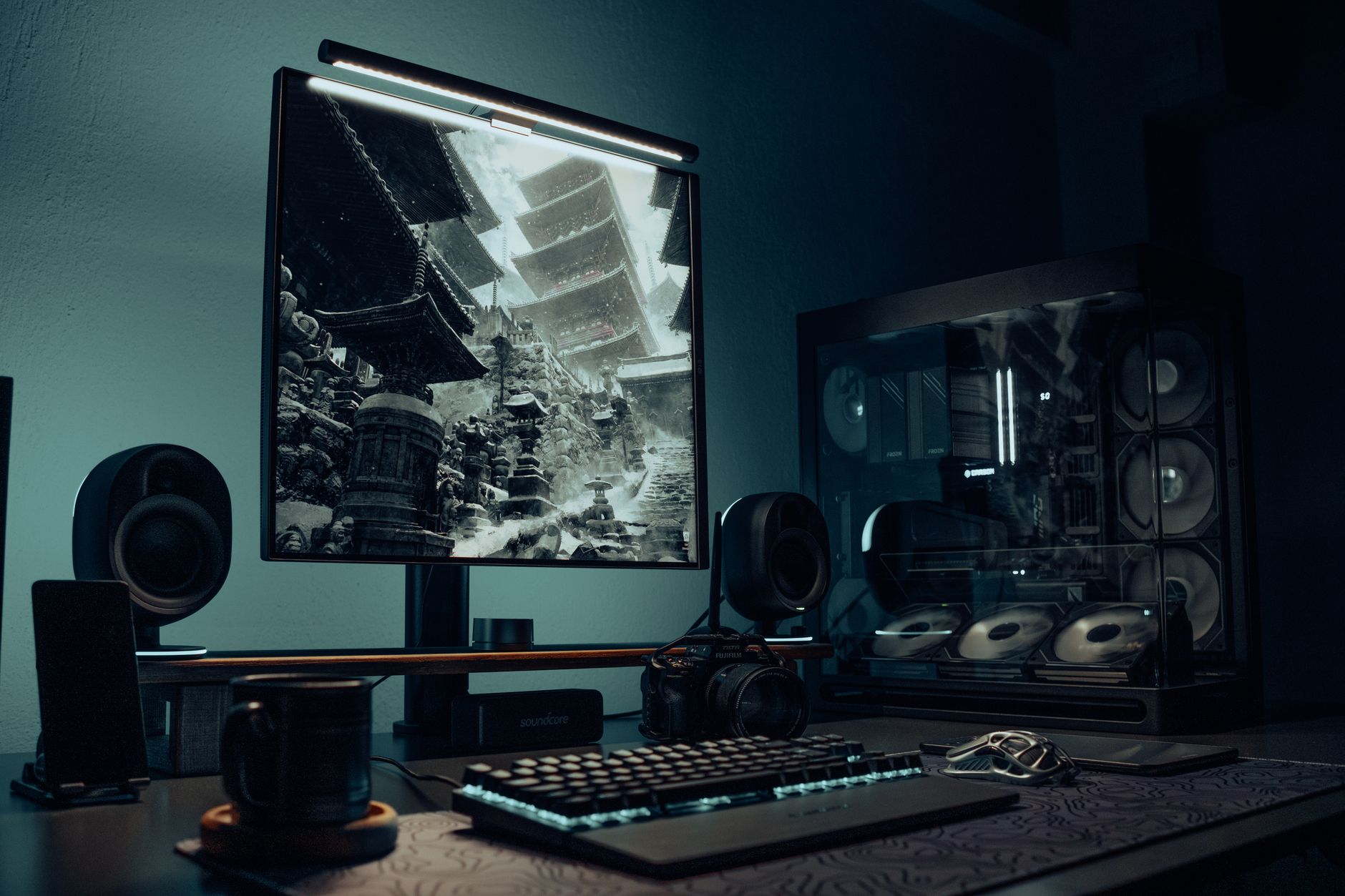
The configurator sits at the centre of how PCSpecialist structures its entire catalogue, from desktop PCs and laptops through to AIO PCs. Rather than presenting a single fixed specification for each model name, the tool lets a shopper adjust individual components inside a chosen category. For someone comparing an AMD Ryzen AM5 build against an Intel Core Ultra Z890 system, this means testing different combinations before settling on one, rather than picking from two finished products and accepting whichever compromises come attached.
Business buyers and finance options sit alongside the standard consumer configurator, which suggests the same direct-customisation approach extends beyond individual gaming builds. Delivery information and payment options are listed separately on the site, giving a fuller picture of the purchase process beyond the build itself. Together, these sections show PCSpecialist treating the configurator less as a novelty and more as the standard way of reaching a finished machine.
Budget gaming PCs built this way end up shaped by deliberate choices rather than by whatever a fixed bundle happens to include.