


A home office that drops video calls, a small business with patchy WiFi, or a growing network that has outgrown its handful of ports can all lead to the same thought: it is time to upgrade the equipment behind the connection. Choosing the right kit can feel like a maze of model numbers and technical terms, though. The good news is that you do not need to be a network engineer to start narrowing down what you need.
Broadbandbuyer is a UK technology retailer and networking specialist offering equipment for home networks, offices, businesses and IT professionals. Its range spans routers, WiFi access points, switches, firewalls, IP cameras, storage, cabling and related network infrastructure. The aim is to help customers find hardware for a wide range of connectivity needs, from improving wireless coverage to building a more capable business network.
Key points
- Shop for routers, access points, switches, network security equipment, storage, cabling and more.
- The product range can serve home offices, small businesses and larger network projects.
- Equipment includes options for wired and wireless connectivity, monitoring and network expansion.
- Specialist support articles explain some setup and configuration tasks.
- Check specifications, compatibility, delivery details and support options before ordering.
Networking essentials for homes and offices
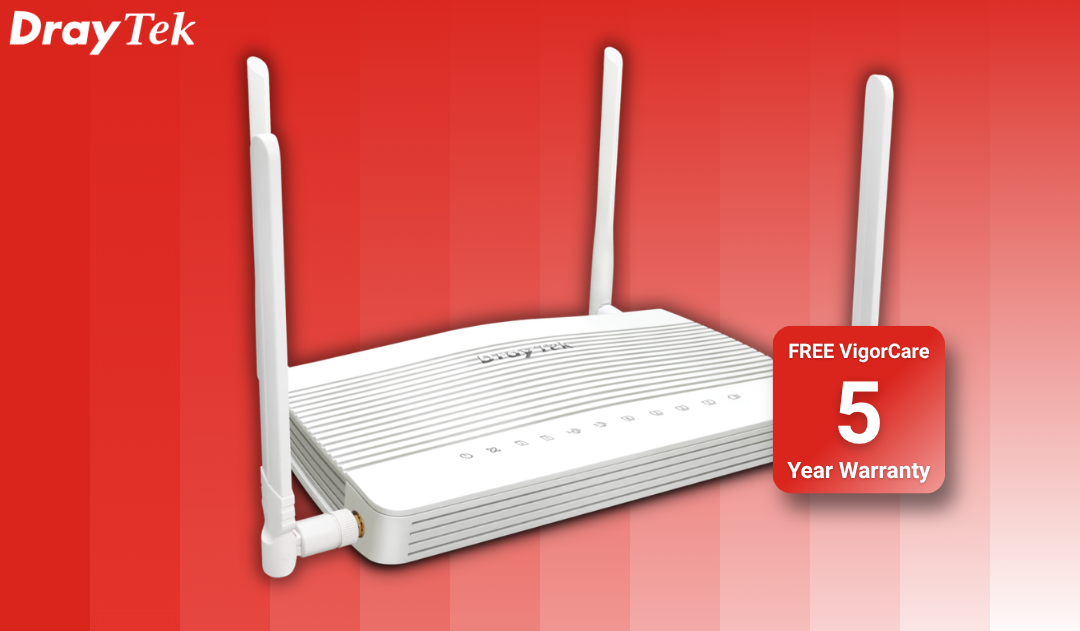
A router is often the first device people think of when they want a better connection. It directs traffic between the local network and the internet, and many models also provide WiFi. The right choice depends on the broadband service, the number of connected devices and the kind of work happening online. A household using a few phones and streaming devices has different needs from a home office juggling cloud backups, video meetings and large file transfers.
If WiFi struggles to reach certain rooms, a separate wireless access point can help extend coverage. It connects to the wired network and provides WiFi in another area, which can be useful in larger homes, offices or spaces with thick walls. For complex layouts, multiple access points can offer more flexibility than relying on a single router to cover every corner.
Wired connections still matter. A network switch adds Ethernet ports so computers, printers, servers, access points and other equipment can connect directly. Some switches are simple plug in devices, while managed models offer more control over network traffic and device separation. Businesses may also look for Power over Ethernet, which can send power and data through one cable to compatible devices such as access points or security cameras.
Equipment for growing business networks
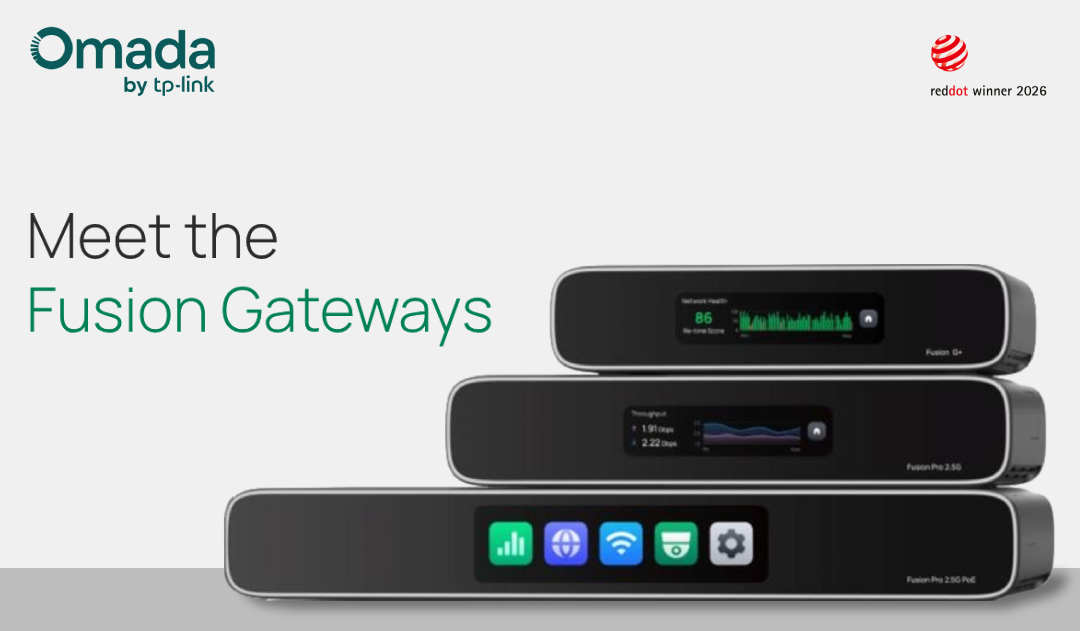
As a business adds staff, rooms, devices or services, its network may need more than a standard home router. Broadbandbuyer offers products for areas such as wireless infrastructure, network security, storage and business connectivity. That breadth is useful when planning a setup where the router, switches, access points, cameras and cabling need to work together. The retailer also serves installers and IT resellers, as well as customers buying equipment for their own organisations
For example, a small office might need a business router, a managed switch and several access points to cover desks and meeting rooms. A shop could add IP cameras and a network storage device for local video or file storage. A larger organisation may need firewall equipment, fibre connectivity, managed switching or cloud management features. Each setup has its own requirements, so checking the technical specifications and compatibility is an essential part of the buying process.
The site’s support material is another useful resource for customers working with managed WiFi. Its knowledge base includes guides for TP Link Omada and Ruijie products, with instructions covering wireless network setup, cloud management and VLAN configuration. VLANs can help separate traffic, such as keeping guest WiFi apart from business devices, but the equipment and network configuration need to support the feature.
Storage, security and connected devices
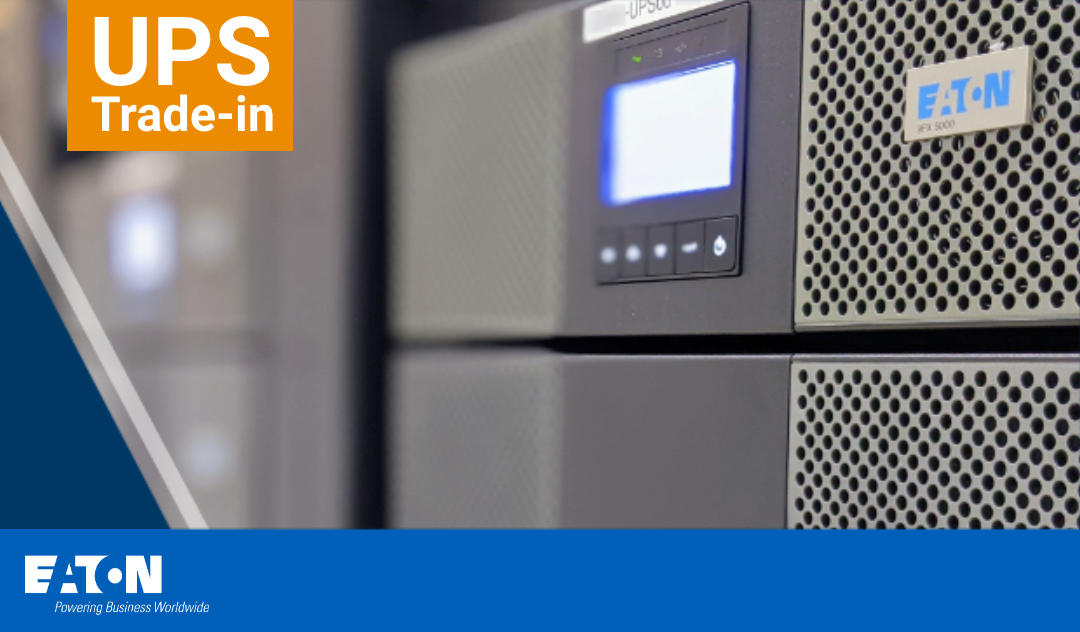
Network equipment is not only about making the WiFi signal stronger. Storage products can give teams a central place to keep files and share them across a network. Security devices, including firewalls and IP cameras, can help protect business systems and keep an eye on physical spaces. Power protection products may also be relevant where keeping key equipment running during an interruption is important.
It helps to think about the entire setup before buying individual components. A new access point may improve coverage, for instance, but it will not solve every problem if the existing router is outdated or the broadband service itself is unreliable. Likewise, a switch can provide more wired connections, but it will not increase the speed of an internet plan. Matching equipment to the actual bottleneck can save money and avoid a frustrating round of returns.
When comparing products, check WiFi standards, port speeds, PoE support, management features, security options, physical dimensions and mounting requirements. For business use, consider whether the equipment can be centrally managed and whether it supports the network separation your organisation needs. If you are replacing a device, compare its specifications with the rest of your setup so the new hardware fits smoothly.
Pros and considerations
Pros
- A broad range covers common networking needs, from routers and WiFi access points to switches, cameras and storage.
- Product categories serve both home office users and business or IT network projects.
- Technical support articles provide practical guidance for selected managed networking products.
- Different equipment types make it possible to expand a setup gradually as needs change.
Considerations
- Networking specifications can be technical, so compare product requirements carefully before purchasing.
- A new device cannot compensate for every issue, such as a slow broadband plan or poor cable installation.
- Some advanced features require compatible equipment and configuration knowledge.
- Check stock, delivery, returns, warranty and support terms for the specific item you intend to buy.
Choose gear around the job it needs to do
A reliable network is built by matching each device to a clear purpose. Start by identifying the problem: is the WiFi weak in one room, are there not enough Ethernet ports, do you need separate guest access, or are you adding cameras and storage? Once the goal is clear, it becomes easier to compare the right product types and avoid paying for features you will not use.
With equipment spanning everyday connectivity and more specialised business networking, Broadbandbuyer can be a practical place to explore options for upgrading or expanding a network. Take time to check compatibility and specifications, and use the available product information and support resources to guide the decision. A little planning up front can turn a tangle of devices and cables into a network that is better suited to the way you work and connect.