



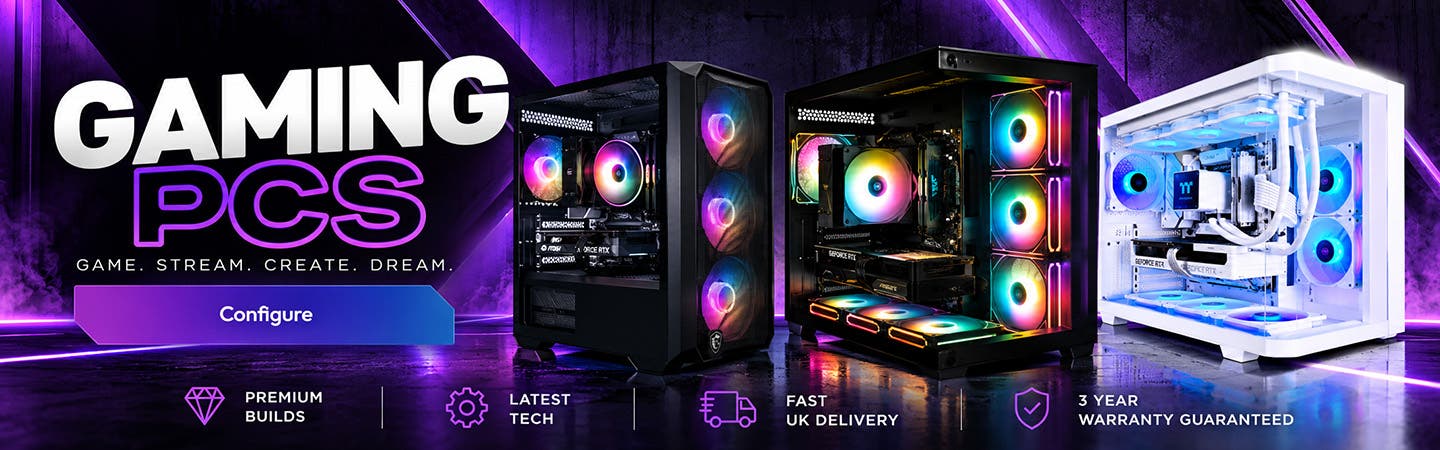
Gaming PC misconceptions spread fast online, often repeated so often they start to sound like fact. Forum threads and comment sections love to debate component pairings, RAM amounts, and build quality, but much of that chatter does not hold up under scrutiny. This article checks the most common gaming PC misconceptions against what AWD-IT actually offers across its prebuilt and custom gaming ranges.
Misconceptions About CPU and GPU Pairing
One persistent belief is that any processor can be matched with any graphics card without consequence. In reality, balance matters, and that is why AWD-IT pairs components like the AMD Ryzen 7 with the NVIDIA RTX 5070 or RTX 5060 Ti in systems such as the Helios, Chaos, and Phobos builds. These pairings are chosen deliberately rather than assembled from whatever stock happens to be available.
Another version of this myth suggests the graphics card alone determines a system's capability. Memory, storage, and processor all play a role, and the configurations reflect that by combining each RTX model with matching RAM and SSD capacity rather than treating the GPU as the only variable worth discussing. The brand's own listings show this pattern repeated across different builds rather than appearing on a single flagship model.
Why More RAM Doesn't Always Mean Better Gaming Performance
A widespread assumption holds that doubling memory automatically doubles gaming performance. Entry bundles like the Nyx and Khione ship with 16GB of RAM paired with 1TB SSD storage, while higher-specification builds such as the Helios and Chaos move up to 32GB alongside the same 1TB SSD capacity, showing how memory and storage scale together rather than in isolation. The jump is not about forcing extra memory into every build regardless of need, but about matching capacity to the rest of the configuration.
This is one of the more stubborn gaming PC misconceptions because RAM is easy to quote as a single number. However, a balanced system depends on how memory, processor, and graphics card work together, not on memory capacity viewed on its own.
Understanding Build Times: What AWD-IT's Queue System Actually Means
Many buyers assume a listed build time reflects a delay or a backlog problem. According to the brand's own FAQ, the build time is simply a queue system, and each system is constructed within the window stated on its product page. Once an order is marked as processed, the brand asks that customers wait out the chosen build time before requesting updates, which allows its support team to handle queries efficiently.
After the PC is built, dispatch follows within up to 2 working days. Delivery then proceeds according to the option selected at checkout, whether that is standard delivery, Royal Mail, or DPD. Understanding this distinction between build time and dispatch time clears up a lot of confusion around supposed delays.
Prebuilt vs Custom Gaming PCs: Separating Fact from Marketing
A common claim is that prebuilt systems are automatically inferior to custom-built ones. AWD-IT offers both options side by side, with full customisation available on base builds alongside a dedicated prebuilt range. Every system, prebuilt or configured, includes a 3-year warranty as standard and is built and tested in the UK.
Free UK delivery and expert UK support apply across the range, regardless of whether someone chooses a ready-made system or configures one from the ground up. With over 15,000 Trustpilot reviews behind the business, the distinction between prebuilt and custom is less about quality and more about how much input a buyer wants in the specification process.
Storage Myths: SSD Speed and Gaming Load Times Explained
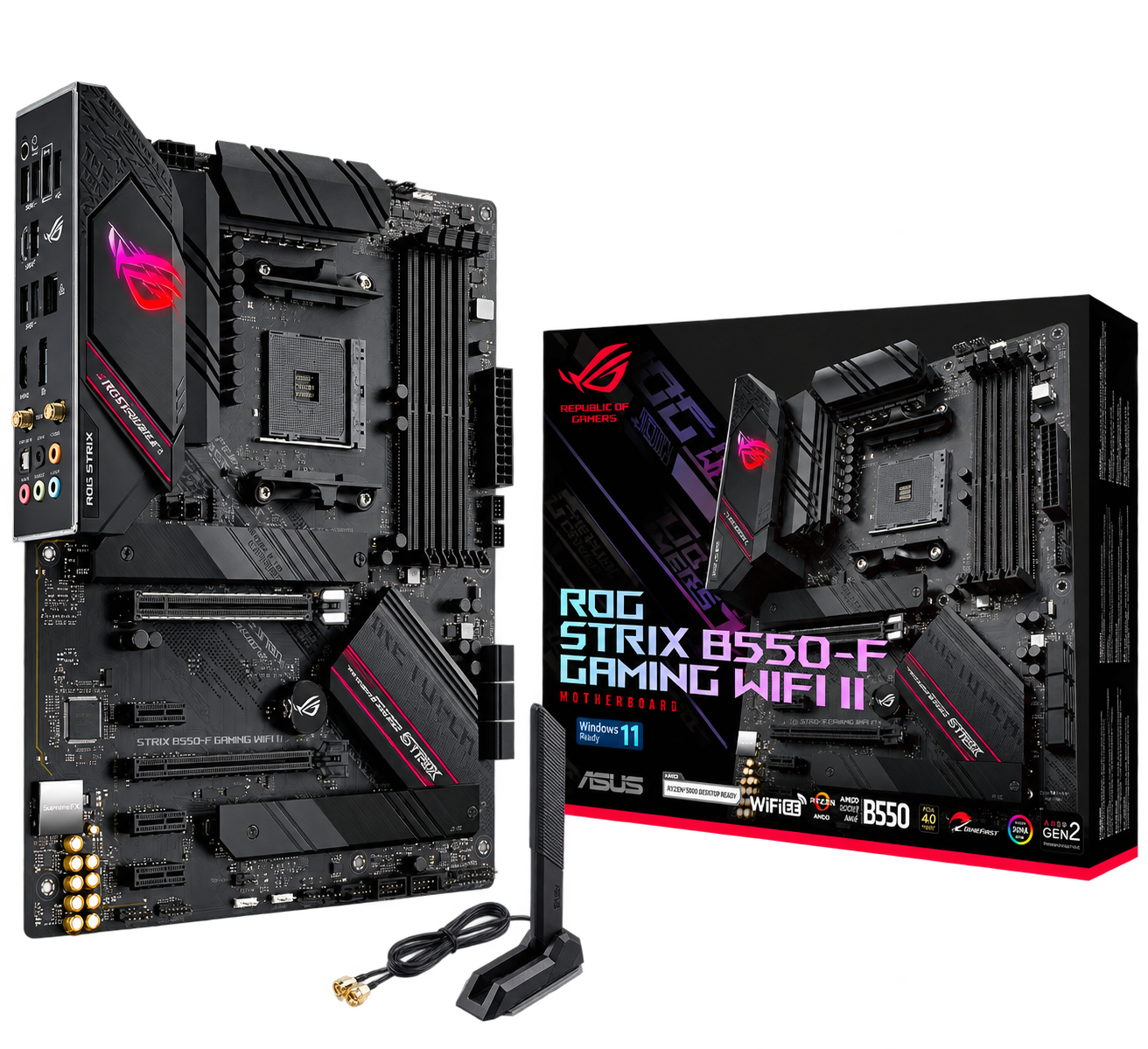
SSD capacity gets quoted constantly, but the number alone does not explain everything about day-to-day performance. That capacity provides room for a game library alongside the operating system, though storage is only one part of the overall configuration, working alongside RAM and processor to determine how quickly a title actually loads.
- Many buyers believe a bigger graphics card number always means noticeably better gameplay, when the full system configuration matters just as much.
- Some assume doubling RAM will double frame rates, even though memory works alongside the processor and GPU rather than independently.
- A common myth claims all SSDs perform identically regardless of capacity or how they are paired with other components.
- Many shoppers think prebuilt systems are corners-cut compared with custom builds, despite both receiving the same warranty and testing standard.
- Some gamers assume a quoted build time signals a delay rather than a standard queue-based process.
- Others believe white-finish gaming PCs sacrifice performance for looks, even though the internal components remain NVIDIA-powered.
What Gaming PC Specifications Reveal About In-Game Performance
Specification sheets list processors, graphics cards, RAM, and storage as separate line items, which encourages people to judge each one in isolation. That habit feeds many gaming PC misconceptions, because real performance comes from how those parts work together inside a single build. The range, from the Ryzen 7 paired with an RTX 5060 Ti in the Erebus through to higher-specification systems like the Vision Compact White with its Ryzen 9600X and RTX 5070, shows how specification choices shift together rather than independently.
Reading a spec sheet is useful, but it works best as a guide to how a system was configured, not as a scorecard where higher numbers always win. The White Gaming PC range pairs NVIDIA graphics with a specific chassis aesthetic, showing that design choices and performance components are addressed separately rather than traded off against each other.
Treating each specification as part of a complete configuration, rather than a standalone score, is the clearest way to avoid the common traps buyers fall into. Gaming PC bundles that pair a system with a monitor, such as the Nyx and Khione packages, further illustrate how performance gets built around a full setup rather than a single headline figure.
Closing Thought
Clearing up gaming PC misconceptions does not require technical expertise, just a closer look at how components actually interact. Balance across a build, not any single spec, is what shapes the experience at the keyboard.